
Deriv Account Login: Step-by-Step Guide for South Africans
🔐 Learn how to log in securely to your Deriv account with steps tailored for South African users, including troubleshooting tips and features to help you trade smartly.
Edited By
Emily Harding
Accessing your Deriv Markets account should be quick and hassle-free, whether you're trading in Johannesburg or Cape Town. This section lays out the essentials for logging in, smoothing out common hitches, and keeping your account secure.
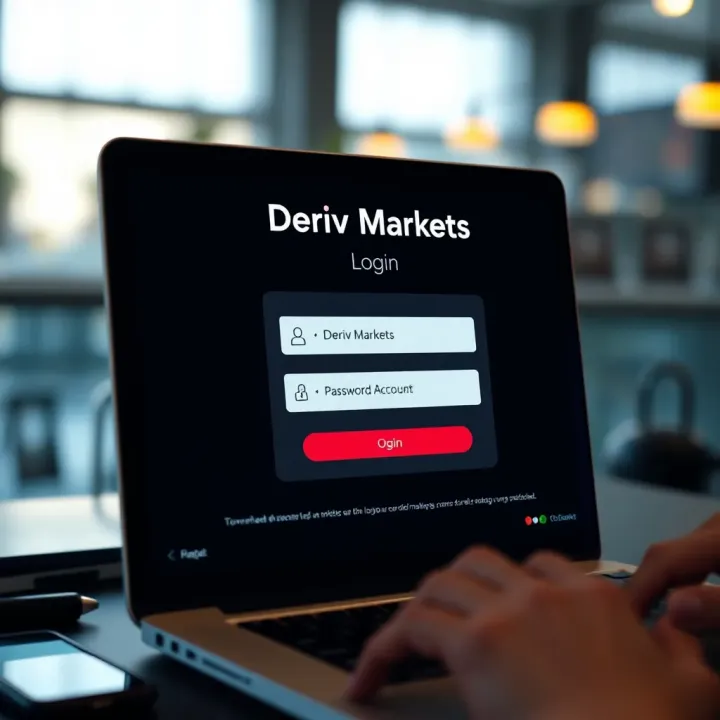
To log in, head to the official Deriv Markets site and enter your registered email and password in the login form. If you've set up two-factor authentication (2FA), you'll also need to provide the code sent to your mobile device or authentication app. This extra step helps keep your account safe from unauthorised access.
Remember, if you've forgotten your password, there's a straightforward reset option available on the login page. Just provide your email and follow the instructions sent to your mailbox.
Sometimes, login doesn’t go smoothly. Here are practical tips if you hit a snag:
Incorrect Credentials: Double-check your email for typos or switched characters. Passwords are case-sensitive, so look out for caps lock.
Browser Compatibility: Use up-to-date browsers like Google Chrome, Firefox, or Microsoft Edge. Clear your cache and cookies if things seem stuck.
Network Problems: Poor internet can disrupt login, especially with 2FA. Try connecting through a different network or a mobile data connection.
Account Lockout: Multiple failed attempts may temporarily lock your account. Wait 15-30 minutes before trying again or contact customer support for help.
Security shouldn’t be an afterthought. Beyond using 2FA, avoid logging in from public computers or unsecured Wi-Fi networks. Keep your device’s antivirus updated, and beware of phishing attempts—Deriv Markets will never ask for your password via email or SMS.
Pro tip: Use a password manager to generate and store strong passwords safely. It reduces the risk of using weak or repeated passwords.
Deriv Markets offers mobile-ready platforms. You can log in via mobile browsers or download their dedicated app for Android and iOS, providing real-time access to your trades anywhere in Mzansi. Just ensure your mobile software is current for the best experience.
In short, a smooth login experience on Deriv Markets saves you time and protects your investments. Follow these steps carefully and you’ll be ready to focus on trading rather than tech headaches.
Knowing how the Deriv Markets login unfolds matters because it forms the first step in accessing your trading account swiftly and securely. Whether you're analyzing forex pairs or trading options, being well-versed in the login process reduces frustration and potential downtime. Imagine having an important market movement underway, but being stuck at the login screen due to missing details or device glitches — that’s a situation all traders want to avoid.
Logging into Deriv is designed to be straightforward, yet it requires careful attention to detail for smooth access. Here’s a quick run-through:
Open the official Deriv Markets website using your preferred browser.
Locate the 'Log in' button, usually at the top right corner.
Enter your registered email address or username exactly as provided during sign-up.
Input your password carefully — pay attention to case sensitivity and extra spaces.
If you've set up two-factor authentication, provide the verification code from the authenticator app.
Click the 'Submit' button to access your account.
Keep in mind that auto-fill sometimes inserts outdated or incorrect details. Manually typing in credentials helps avoid unnecessary errors.
To log in successfully, you must have your registered email or username and the correct password handy. If you’ve forgotten your login details, Deriv offers secure recovery steps that include verifying your identity through email or phone.
Precise records here come in handy — traders often keep these credentials in password managers or safe locations because multiple failed attempts can lead to account lockouts.
Deriv Markets supports popular browsers like Google Chrome, Mozilla Firefox, Microsoft Edge, and Safari. These platforms receive regular updates to handle site security and performance optimally.
Using outdated browsers or unsupported devices might cause loading glitches or security warnings. For instance, trying to log in with an old Android phone running a browser no longer supported can prevent interface elements from working properly. To prevent this, ensure your device’s operating system and browser are kept current.
Using a reliable internet connection combined with an updated browser significantly improves your login experience and protects sensitive information during sessions.
In summary, understanding these core points helps you prepare your environment and account information properly, making your Deriv Markets login as smooth as a well-timed trade.
Even the most straightforward login processes can hit a snag now and then, especially in online trading platforms like Deriv Markets. Understanding how to troubleshoot common login problems is essential for traders who want to avoid downtime and ensure uninterrupted access to their accounts. This section unpacks practical solutions to typical issues like forgotten passwords and account lockouts, helping you regain access quickly and securely.
Resetting your password safely is a vital step if you find yourself locked out. Deriv Markets provides a straightforward password reset feature accessible via the login page. Simply enter your registered email, and you’ll receive a secure link to set a new password. It’s crucial to use a strong, unique password — ideally a mix of letters, numbers, and symbols — to keep your account protected.
Security questions and verification steps serve as an extra layer when resetting your password. These might include answering previously set questions or entering a code sent to your mobile number or email. This verification helps confirm your identity to prevent unauthorised access, so be sure to keep these details up to date within your profile.
Account lockouts usually happen after multiple failed login attempts. This is a security feature to prevent hacking attempts but can be frustrating if you simply your password. Other causes include suspicious activity detection or using an unsupported browser. For example, accessing the platform on an outdated browser might trigger errors preventing access.
If you get locked out, contacting Deriv Markets’ support team is your best bet. Support experts can verify your identity, explain why the lockout happened, and guide you through unlocking your account. You can usually reach them via live chat or email, so have your account details handy to speed up the process. Prompt communication ensures you get back to trading without unnecessary delays.
Keeping calm and following these clear steps when login troubles hit can save you valuable time and stress, letting you focus on making smart trading decisions instead of battling technical glitches.
By knowing how to reset passwords and tackle lockouts efficiently, you protect your account while reducing downtime. Every trader should familiarise themselves with these troubleshooting essentials — after all, your time in the market is precious and shouldn’t be lost on avoidable login hurdles.
Keeping your Deriv account secure isn't just about ticking a box — it directly protects your funds, personal information, and peace of mind. Trading platforms like Deriv hold sensitive information and real money, so even a small security slip can have serious consequences. South African traders, used to navigating risks like loadshedding disruptions and online scams, should prioritise solid security measures to avoid headaches down the line.
A strong password is your first line of defence. Many users still opt for easy passwords like "password123" or birthdays, but these are an open door for hackers. Instead, aim for a password at least 12 characters long, mixing upper- and lowercase letters, numbers, and symbols. For instance, something like R4nd0m!B@5e2024 is much tougher to crack than “MysAf3tY.” Avoid using any personal details like your name, ID number, or pet’s name.
It’s smart to change your password regularly and never reuse passwords across multiple accounts. If a popular South African news site suffered a data breach, and you used the same password there as on Deriv, you risk exposing your trading account. Lastly, consider using a password manager to keep track of complex passwords securely.
Two-factor authentication (2FA) adds a crucial extra layer of security by requiring a second form of verification beyond your password. Typically, this is a code generated by an app like Google Authenticator or sent via SMS to your mobile. For example, even if a crook manages your password, they still can't enter your account without this second factor.
Deriv supports 2FA and it's wise for every user to enable it. South Africans who frequently switch networks or travel should set up 2FA apps rather than relying on SMS, which can be vulnerable to SIM-swapping attacks. In any case, 2FA dramatically cuts the risk of unauthorised access.
Phishing schemes are becoming more sophisticated. Scammers might pose as Deriv support, sending emails or WhatsApp messages asking for your login details or directing you to fake websites that look like Deriv’s official site. These tricks aim to steal your username and password.
Watch out for poor spelling, strange senders, or urgent requests to verify account info. Always verify that the website's URL starts with https://app.deriv.com and never input credentials on unfamiliar links. If you receive a suspicious message claiming to be from Deriv, don't respond or click any links; instead, contact Deriv’s official support through the app or website.
Keeping your Deriv account secure means being vigilant at every step — from crafting a solid password to spotting sketchy messages. In the ever-changing digital world, a moment of carelessness can cost dearly.
By following these best practices and staying alert, you can trade with confidence knowing your Deriv account is well protected against common cyber threats.
Accessing Deriv Markets on mobile devices is essential for traders and investors who need flexibility and real-time updates while away from their desks. South African traders, for example, often check markets during their commute or between meetings, and mobile access proves invaluable. Mobile platforms permit quick responses to market movements, helping traders manage positions effectively without being tied to a desktop.
Moreover, with the volatile nature of forex and binary options markets, having immediate access through mobile means you won't miss critical trading windows. Whether you're in a Gauteng office or relaxing on a stoep in KwaZulu-Natal, trading on the go has become a standard expectation.
Downloading and installing the Deriv app is straightforward and recommended for the best mobile experience. Available on both Android and iOS, you can find it in the Google Play Store or Apple App Store by searching "Deriv". The app is lightweight and doesn’t take much space, which is handy if your mobile storage is limited. Once installed, it offers an interface tailored specifically for small screens, improving navigation and usability compared to mobile browsers.
Installing the app brings the advantage of faster access and smoother trading, as the app is optimised to reduce data use and load times — something valuable given South Africa's varying data costs and connectivity.
Mobile login specifics differ slightly from desktop to accommodate mobile security and convenience. The app supports biometric options like fingerprint or Face ID on compatible devices, speeding up login without compromising security. This feature is particularly useful if you trade regularly during the day, as you can bypass long passwords safely. Additionally, the app remembers your device, so you won’t need to repeat verification unless there’s a security flag.
Do note that staying logged in for prolonged periods may expose risks, so the app prompts periodic re-authentication. It’s wise to disable auto-login if you share your mobile with others.
If you don’t want to download the app, logging in via mobile browsers like Chrome or Safari is still a solid option. The Deriv site is fully responsive, meaning it adapts to smaller screens without requiring zoom or horizontal scrolling.
However, bear in mind mobile browsers may load slower during peak internet hours or in areas with patchy data coverage. Plus, some features and charts might be less fluid than on the app. Bookmarking the login page and clearing your browser cache regularly helps speed things up and reduces glitches.
Trading from your mobile lets you stay on top of market changes wherever you are, but choosing between the app and browser comes down to your preferences for speed, features, and data usage.
To sum up, mobile access through the Deriv app or browser keeps your trades in reach at all times. It’s especially handy given South Africa’s busy lifestyles and spotty internet outside major metros. Just ensure you follow security best practices to protect your account while staying nimble.
Ensuring a smooth login to your Deriv Markets account goes beyond just knowing your username and password. Small, proactive steps can prevent frustrating delays and keep your trading uninterrupted. This section covers practical advice to help you avoid typical issues, know when to update your login details, and where to find reliable resources when things go sideways.
One frequent stumbling block is using outdated browser versions. Deriv Markets, like many online trading platforms, regularly updates its security protocols; an unsupported browser may prevent successful login or cause features to misbehave. Always use the latest version of Chrome, Firefox, Safari, or Edge, and clear your cache periodically to avoid conflicts.
Another pitfall is jumping between devices without syncing your login credentials or security settings. For example, if you enable two-factor authentication (2FA) on your desktop but don't set it up on your mobile, you might find yourself locked out when logging in via the app or mobile browser. Keep your authentication methods consistent across platforms for hassle-free access.
Beware of entering incorrect credentials multiple times. After several failed attempts, Deriv can temporarily lock your account for security reasons. Instead of guessing, use the password reset option or check password managers you might have stored your details in.
Change your password immediately if you notice any suspicious activity, such as unusual trades or unauthorised account access. Likewise, update your password regularly—even if there are no problems—to reduce the risk of hacking. A good rule of thumb is to refresh your password every three to six months.
Updating your email address or mobile number linked to your account is vital, especially if you've switched providers. These contact details often serve as the recovery path for locked or compromised accounts, so keeping them current ensures you won’t lose access.
If Deriv introduces new security measures, such as enhanced 2FA options or biometric verification, take time to update your login methods accordingly. These upgrades enhance protection and make logging in smoother.
Whenever you hit a snag with the login process, turn to Deriv’s official support channels first. Their Help Centre offers FAQs, detailed guides, and troubleshooting tips designed specifically for common login issues.
If the issue persists, reach out to their customer support via live chat or email. Providing detailed information—like error messages experienced, browsers used, and recent account activity—can speed up problem resolution.
Community forums and trader groups online also serve as useful resources. Other users might have faced similar login challenges and can offer practical advice.
Staying on top of your login details and knowing exactly where to get help can save you hours and keep your trading running smoothly.
Following these additional tips will help you navigate Deriv Markets login without headaches, ensuring you’re ready to focus on making informed trades rather than battling access problems.
🔐 Learn how to log in securely to your Deriv account with steps tailored for South African users, including troubleshooting tips and features to help you trade smartly.
🔐 Master the Deriv broker login process with this guide—secure access, troubleshoot easily, and manage your trading account like a pro on South Africa’s fav platform.

📈 Discover how FBK Markets demo account helps South African traders practise risk-free trading, learn platform features, setup accounts, and smoothly switch to live trading.
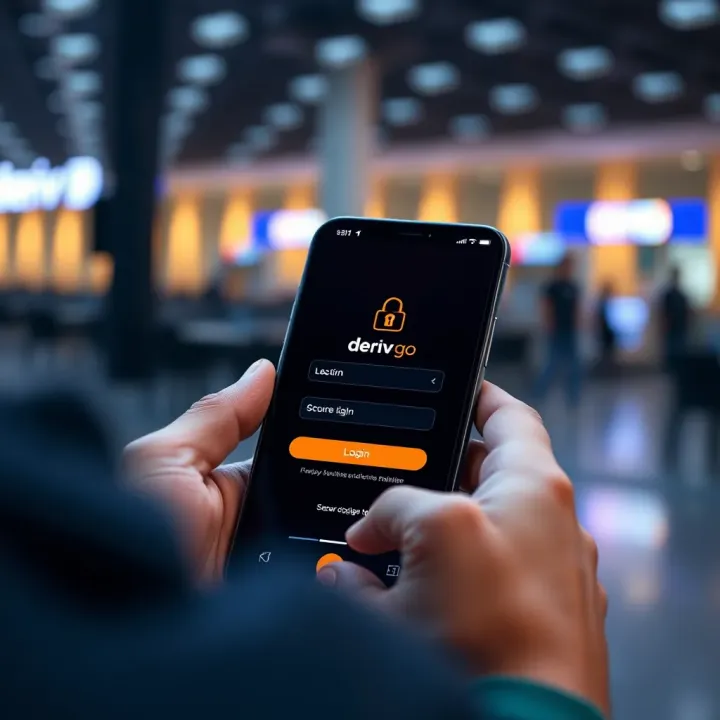
🔑 Learn how to log in securely to Deriv Go 🇿🇦, navigate its trading features easily, solve common issues, and use the platform confidently for smarter deals.
Based on 7 reviews