
Choosing a Forex Trading App in South Africa
Looking to trade forex on your mobile in South Africa? Discover how to pick the right app, consider local factors, stay safe under regulations, and trade confidently 📱💸
Edited By
Amelia Davies
Mobile forex trading is no longer a niche area; it's become a practical way for South Africans to engage with the global currency markets. Using a forex trading app APK (Android Package Kit) can give you direct access to real-time quotes, charts, and trade execution right from your mobile device. But before you jump in, it helps to understand what you’re getting into and how to choose an app that suits your needs.
Forex trading apps offer clear benefits: they’re convenient, enable quick decision-making, and let you trade from anywhere—even during Eskom loadshedding when you're sitting with your inverter-powered setup. However, the choice of app matters. Factors like data consumption, security, reliability, and regulatory compliance can make a real difference in your trading experience.
South African traders face unique challenges. Data prices can climb quickly, especially if an app uses lots of megabytes for streaming live charts or news. Then there’s the risk of picking an app that’s not authorised or safe to use, which could expose you to fraud or data theft. Also, local regulations—such as those monitored by the Financial Sector Conduct Authority (FSCA)—mean only certain platforms can legally offer forex trading here.
That said, you don’t need to be a tech wizard to get started. This article breaks down key features to look out for in a forex app, warns you against common pitfalls, and guides you through the proper steps to download and install an APK safely. Whether you use Vodacom, MTN, or Telkom for mobile data, or Wi-Fi at home, knowing these basics will help keep costs and risks down.
Trading forex on a mobile app can be empowering, but only with the right tools and cautious choices. Staying informed and cautious is your best defence against avoidable mistakes.
With this upfront knowledge, you’ll be better placed to spot a solid trading app APK that fits your style and avoids unnecessary hassle. Let’s get into what to watch for.
Mobile trading has become an everyday tool for many South African forex traders. The option to use a Forex trading app APK (Android Package Kit) has gained traction because it offers specific benefits beyond what's available through traditional app stores. This section explores why using an APK can make your forex trading smoother and more accessible.
Trading the forex market on a mobile device means you no longer have to be glued to your desktop or office workstation. For example, a part-time trader in Durban can execute a trade during their lunch break or while waiting in a queue without needing a laptop. This on-the-move access lets traders react quickly to sudden market shifts, which are common in forex.
South African traders, especially those relying on mobile data, benefit from the simplified interface and optimised performance mobile apps offer. These apps keep essential functions in your pocket, allowing you to keep ahead without a clunky setup.
Forex markets can move fast. Having real-time updates on your mobile means you catch crucial price movements as they happen. For instance, when the South African rand suddenly weakens against the US dollar due to domestic economic news, you can adjust your positions swiftly.
Mobile forex apps send push notifications that alert you to significant price levels, margin calls, or economic events. This immediate feedback helps you avoid missing opportunities or getting caught out by adverse moves.
While desktop platforms still offer comprehensive tools and multiple chart windows, mobile apps excel in portability. You might not get as many indicators or advanced order types compared to desktop software like MetaTrader 4 running on your PC, but the essential features are usually intact.
Moreover, some desktop platforms can slow down if your PC is older, whereas mobile apps are often optimised for smooth performance on budget smartphones common in South Africa. That said, for complex technical analyses, desktops remain preferable.
Installing a Forex app via an APK allows you to pick and keep a specific version of an app rather than updating automatically. This can be crucial when a recent update introduces bugs or removes features you rely on. For example, a trader might prefer version 1.2.3 of an app because it has a certain chart style or faster execution time.
Having this control means you can stay with what works for you until a more stable version appears. It also reduces forced updates that might interrupt your trading during volatile periods.
Some forex brokers or apps might not be officially available on the Google Play Store in South Africa due to regional restrictions or local regulations. By downloading their APK directly from the broker’s official website, South African traders can access these platforms without going through complicated workarounds.
This method ensures you’re not left out of potentially valuable trading tools just because of app store limitations.
APK files can be stored offline on your device or USB drive, letting you install the app anytime—even without internet access. This can be particularly handy if you have limited or expensive data.
For example, if you download the APK at a friend’s place with free Wi-Fi, you can install it later at home without using your own mobile data. It also means you can reinstall the app after a factory reset or device change without hunting for connectivity.
Using an APK offers South African traders the flexibility and control needed to navigate local tech and connectivity challenges while staying connected to the fast-moving forex market.
In short, choosing a forex trading app APK combines the convenience of mobile trading with practical advantages in control, accessibility, and offline usability that many South African traders appreciate.
Choosing the right Forex trading app means focusing on features that offer security, convenience, and effective tools to make smart decisions. Traders need an app that not only protects their data but also provides the functionality required to trade confidently in ever-changing markets. In particular, South African traders should prioritise features that ensure compliance with local regulations and consider challenges like data costs and device compatibility.
Encrypted data and secure logins are non-negotiable. Your app should use strong encryption to protect your personal and financial information, especially when connected to public Wi-Fi or mobile networks. Look for features like two-factor authentication (2FA) and biometric logins (fingerprint or face ID), which add layers of security beyond just a password. Without these, your account becomes vulnerable to unauthorised access.
South African traders should also ensure their broker is regulated by official bodies like the Financial Sector Conduct Authority (FSCA). Regulated brokers must adhere to strict standards that protect clients’ funds and maintain transparency. Trading through an unregulated broker increases risks of fraud, withheld withdrawals, or poor customer service. This is particularly relevant when using APKs, as some unregulated platforms might distribute unofficial apps.
Beyond brokerage regulation, the app and associated services should show compliance with South African financial laws. This includes adherence to anti-money laundering rules and data protection legislation like the Protection of Personal Information Act (POPIA). An app that supports these requirements usually has clear policies and proper account verification steps to keep trading lawful and safe.
Customisation matters when it comes to charts and indicators. A good Forex app lets you tailor chart views with various timeframes, overlays, and technical indicators such as moving averages or RSI (Relative Strength Index). This flexibility helps traders track trends, spot entry points, and make informed decisions directly on the mobile device. For instance, you might prefer candlestick charts with Bollinger Bands for volatile currency pairs, and a strong app will let you set this up easily.
Effective Forex trading also relies on diverse order types and robust risk management tools. Beyond simple market and limit orders, look for apps that allow stop-loss and take-profit orders to automatically close positions at set price points. These features help manage risk without needing to monitor the market constantly, which is essential when trading on the go.
Good apps often package in real-time news feeds and analysis, keeping you updated on market-moving events like SARB interest rate announcements or US non-farm payroll figures. Access to timely and relevant news within the app means you don't need to hop between websites or apps, saving data and time.
An intuitive user interface (UI) designed for mobile devices makes all the difference. On a small screen, menus, buttons, and chart interactions must be responsive and straightforward, allowing you to place trades quickly and without confusion. Poorly designed UIs can lead to costly misclicks or slow navigation.
Alongside UI, app speed and reliability are key. Latency or frequent crashes could cause missed opportunities or errors in executing trades. Even during heavy network traffic or Eskom's loadshedding stages, your app should stay stable or reconnect efficiently once the connection returns.
Finally, check compatibility with various Android versions. South African traders often use older or mid-range smartphones, so an app that supports Android versions down to at least 7.0 (Nougat) ensures broader accessibility. An app requiring the latest Android may exclude many users or drain device resources unnecessarily.
Selecting a Forex app means more than picking one with flashy features. Security, trustworthy regulation, effective tools, and smooth operation tailored to your device and local realities are critical to successful trading.
By considering these features thoughtfully, you set yourself up for a safer and more effective trading experience.
Downloading and installing a forex trading APK requires a careful approach to shield yourself from security risks while ensuring smooth functionality. Unlike apps from Google Play Store, APK files come directly from developers or third-party sources, so taking steps to confirm the authenticity of the file and understanding installation procedures is critical. For South African traders, where data costs and app availability sometimes create barriers, APK installations can unlock access but need to be handled with care.
Official broker websites usually provide the safest place to download trading APKs. These sites often host the latest versions of their apps, optimised and tested specifically for their trading platforms. Downloading your APK directly from your broker's website reduces the chance of encountering tampered or outdated versions. For example, brokers regulated by the FSCA (Financial Sector Conduct Authority) often offer APKs tailored for South African users, with local payment gateways and compliance built in.
Reputable APK platforms can be alternatives when the official site doesn't supply direct APK downloads. These platforms vet apps and maintain user feedback to verify legitimacy. However, always cross-check APK details like version numbers and publisher information against the official broker’s releases. Avoid newly launched APKs with few reviews or uncertain origins, as these might compromise your security.
Avoiding malicious or unofficial downloads is key for protecting your device and funds. APK files from unknown or shady websites risk malware infections or hidden backdoors. Red flags include unusually large file sizes, requests for excessive permissions beyond trading needs, or files distributed primarily through social media shares rather than official channels. Use antivirus tools and scan APKs before installation, and if an app behaves suspiciously post-installation, uninstall it immediately.
Enabling installation from unknown sources is a necessary step because Android devices restrict app installations to Google Play by default. On recent Android versions, this setting is managed per app, meaning you allow your browser or file manager permission to install APKs. Navigate to your device’s Settings > Security or Apps > Special app access and enable installation for the app handling your APK file. This extra layer helps prevent accidental installation of harmful apps.
Running the APK installer is usually straightforward. Once the file is downloaded, tap on the APK file in your notifications or open it from your file manager. Follow the on-screen prompts to start the installation. The device may warn about risks, but if you’ve confirmed the APK’s source, proceed cautiously. Installation speed varies with app size and device performance but generally finishes within a minute.
Initial app setup and broker login involve launching the app and entering your broker account details. This step often includes setting security measures like two-factor authentication or trade PINs. Confirm that the app connects properly to your broker’s servers and test basic features like viewing quotes or placing demo trades. A smooth onboarding here signals a clean installation.
Verifying app functionality means checking if all key features perform as expected after installation. This includes live price feeds, order entry, chart displays, and push notifications. For example, if your candle charts don’t update or the news feed remains blank, these may hint at installation problems or connectivity issues.
Managing app permissions is essential to protect your privacy and system integrity. Apps typically require network access and storage permissions, but be wary if an APK demands unrelated permissions such as access to your contacts or SMS without clear reason. Review permission settings in your device menu and disable anything unnecessary.
Keeping the app updated manually arises because APKs don’t always auto-update like Play Store apps. It means you’ll need to monitor the broker’s website or trusted APK platform for version releases and download newer APKs yourself. Staying up to date ensures access to the latest features, fixes, and security patches, which are vital for uninterrupted and safe trading.
Tip: Always keep backups of your APK files and login credentials in a secure place. Should you need to reinstall or update away from steady internet access, having these on hand saves datacosts and time.
Following these precautions safeguards your trading experience on APK apps while enabling you to benefit from flexible mobile forex trading tailored for South Africa’s unique digital environment.
Using APK files for forex trading can open up opportunities, but it also brings risks traders need to handle carefully. These challenges involve security, legal issues, and technical constraints that could impact your trading experience and financial safety.
APKs downloaded from unofficial or shady sites often pose a security threat. Unlike apps from Google Play, these files might be tampered with, including hidden malware designed to steal personal info or disrupt trading functions. For example, a trader who downloads an APK from a random forum instead of the broker’s official site could expose their phone to keyloggers that capture login details.
Malicious APKs sometimes exhibit odd behaviour: excessive battery drain, unexpected pop-ups, or app crashes soon after installation. If an app asks for permissions beyond what's necessary—say, access to your contacts or microphone for a simple trading app—that should raise alarm bells. These symptoms often hint at compromised files, which jeopardise your data and money.
Running reliable antivirus apps on your phone is a solid defence. Before installing any APK, scan it with tools like Avast or Bitdefender Mobile Security. Regular scans help identify suspicious files early, keeping your trading environment safer. Also, keep your OS updated to plug security holes that attackers might exploit.
Trading through a broker registered with the Financial Sector Conduct Authority (FSCA) is essential in South Africa. FSCA authorisation means the broker complies with local rules aimed at protecting traders. Even with a solid app, dealing with unregulated operators increases risk of fraud or sudden shutdowns, leaving you high and dry.
South African law governs how forex trading must be conducted domestically, including restrictions on leveraged trading and mandatory disclosures. Traders should be aware that certain offshore brokers, even if popular elsewhere, might not comply with these rules, potentially leading to legal issues or difficulties when withdrawling funds.
Fraudulent forex platforms often lure traders by offering unrealistic returns or pressured sign-ups via APKs. Always double-check broker credentials, reviews from trusted South African sources, and consult FSCA warnings. If an APK comes from an unknown platform boasting too-good-to-be-true gains, it’s wise to steer clear.
Not all APKs run smoothly across the variety of Android devices used in South Africa. Older models or those with customised operating systems may face glitches or fail to install. This can lead to delayed trade execution, which is costly in fast-moving markets.
Sometimes brokers offer less support to users who install apps via APK, mainly because these channels bypass official app stores. This can leave you stuck if you encounter bugs or account issues. It's worth confirming the level of service available before downloading.
Trading apps from APKs may occasionally malfunction—failing to sync price updates or crashing unexpectedly. Basic steps like clearing the app cache, reinstalling the APK, or checking device settings usually help. But for persistent issues, your best bet is contacting the broker’s support directly or switching to a more stable app version.
When using APKs for forex trading, staying vigilant about security, legal status, and tech support is key to protecting your funds and ensuring smooth trades.
Mobile trading brings flexibility but also a unique set of challenges that require careful management. To trade successfully on a forex app APK, it’s essential to handle data costs effectively, maintain strong connectivity, practice disciplined risk management, and utilise the educational tools at your disposal.
Data in South Africa can be expensive, especially if you rely solely on mobile networks. Forex apps often consume data due to real-time price updates and charts. To avoid hefty data bills, traders should monitor how much data their app uses and consider purchasing targeted data bundles from providers like Vodacom or MTN, which often come cheaper for app-specific use.
Connecting to Wi-Fi whenever possible cuts down mobile data consumption. Many forex apps allow you to adjust settings such as disabling automatic updates or lowering chart refresh rates. This helps manage data use without sacrificing essential functionality. For example, turning off push notifications when not monitoring trades can save significant data.
South Africa’s mobile network can be patchy, especially in rural areas or during peak hours. Choose apps that work well offline or cache data locally, allowing you to review charts even when signals drop. Setting up alerts to trigger when trades hit certain levels can help manage trades without constant connectivity.
These are your built-in safety nets. Placing stop losses limits your downside if the market reverses quickly, protecting your capital. Take profits help lock in gains at preset levels, preventing emotional decision-making. Many apps let you program these orders, so you don’t have to babysit each trade.
Trading on the go can tempt you to open multiple positions impulsively, especially when watching market moves closely. Overtrading burns through your capital and increases exposure to losses. Stick to a plan and trade selectively, focusing on setups you trust rather than reacting to every price tick.
It’s important to keep an eye on your open positions, but jumping on every tiny market hiccup leads to stress and poor decisions. Check your trades at set intervals instead of constantly refreshing your phone. This fosters clarity and prevents anxiety-driven moves.
Many forex trading apps offer tutorials, explainer videos, and even live webinars. These can sharpen your skills and update you on market fundamentals without leaving your phone. Engaging with this content regularly helps you trade smarter.
Demo accounts simulate real trading without risking actual cash. Spend time here practising order entry, testing strategies, and exploring app features. It builds confidence and familiarity before committing money.
Successful traders track economic calendars and news feeds to anticipate market moves. Most apps integrate these sources, giving you instant access to relevant updates, such as central bank announcements or South African Reserve Bank policy changes.
Smart mobile forex trading mixes technical skill, disciplined habits, and practical attention to local realities like data use and signal reliability. That balance helps you stay ahead without burning your budget or nerves.
Looking to trade forex on your mobile in South Africa? Discover how to pick the right app, consider local factors, stay safe under regulations, and trade confidently 📱💸
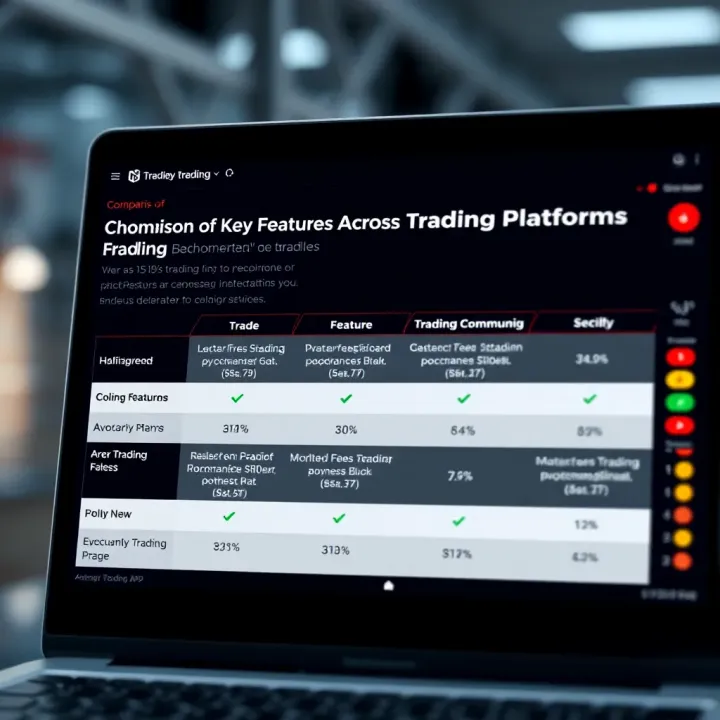
Discover how to pick the best trading app in South Africa 📱 for smart investing. Compare features, ease of use, fees, and security to manage your portfolio confidently.
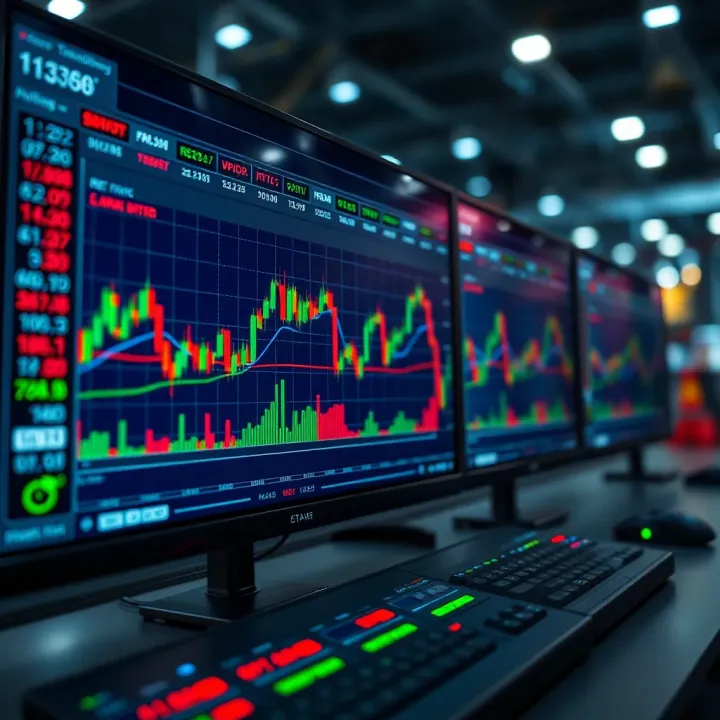
🤖 Explore how robot trading automates forex deals using algorithms, plus tips on pros, risks, and regulation for South African traders.
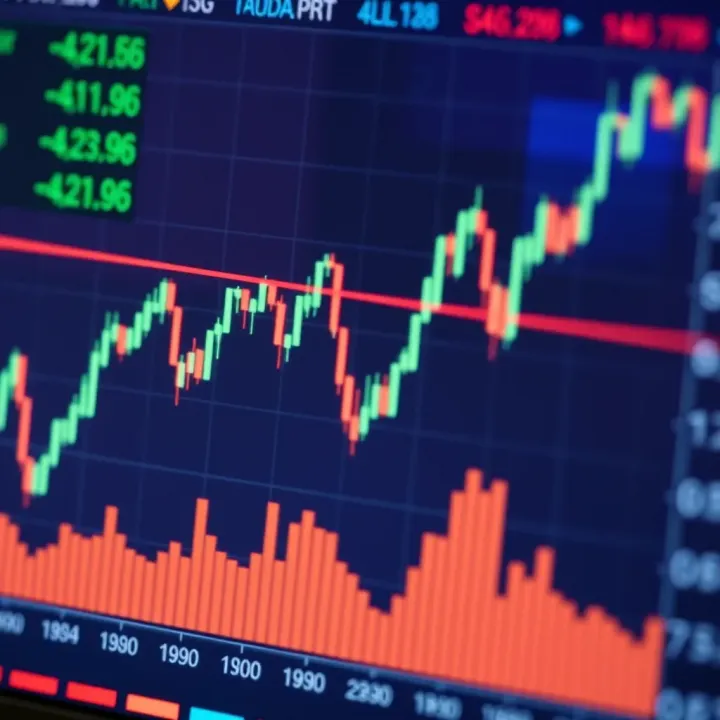
📊 Ready to start forex trading in South Africa? Learn market basics, key strategies, risk management, and local regulations to trade smartly and confidently today! 🇿🇦
Based on 7 reviews